




Optimize how your computer starts up
One of the problems of Windows operating systems that most users complain about is how slow the startup can end up being. To improve this aspect of the operating system you can use Startup Delayer.
Choose what and when
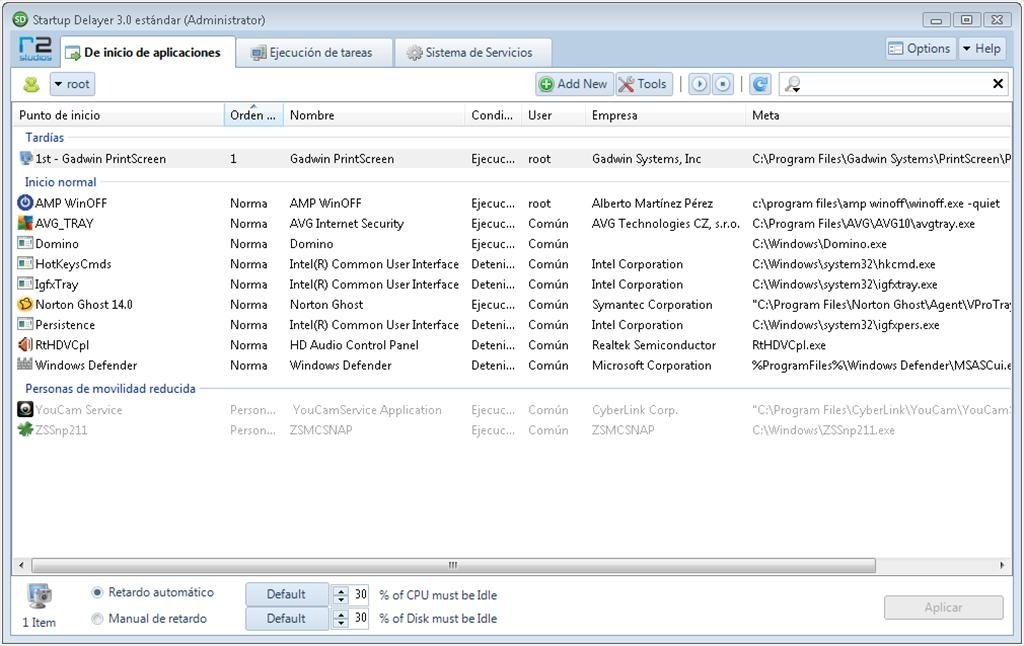
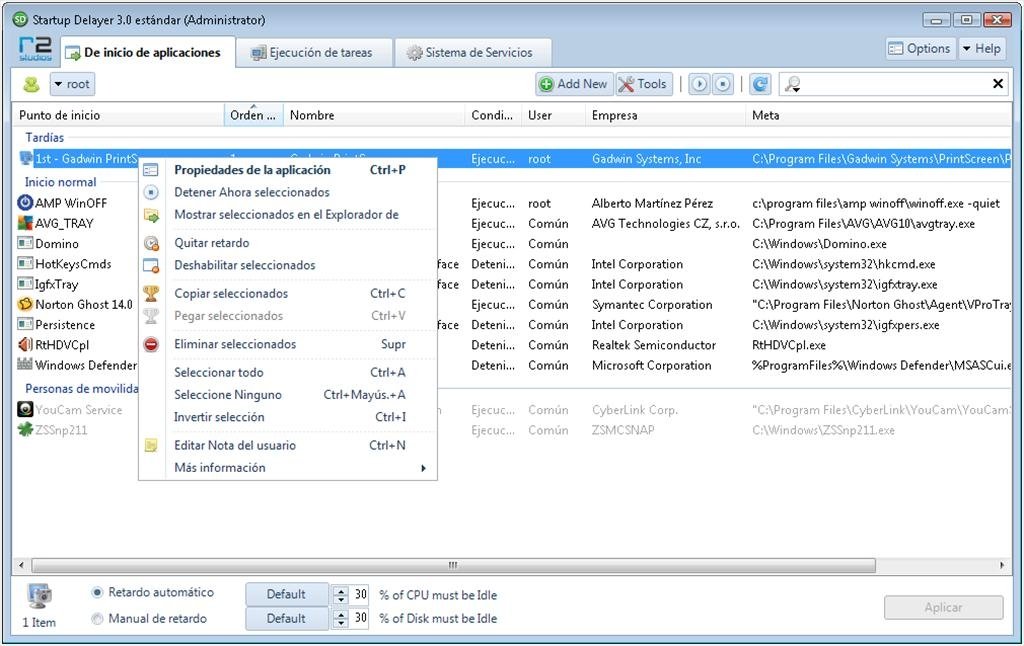
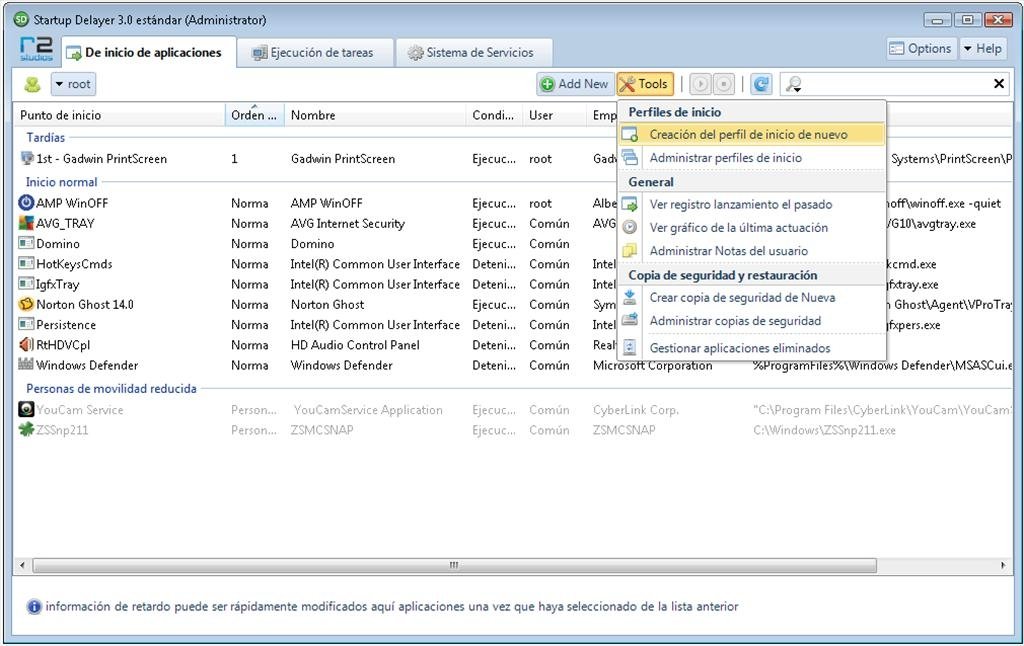
The main use of Startup Delayer is to be able to choose which applications and in which order they are opened together with the system. Basically, the application offers the user a list with all the applications that are launched together with the system, and it allows you to:
- Not modify them.
- Delay their launching.
- Prevent them from starting up.
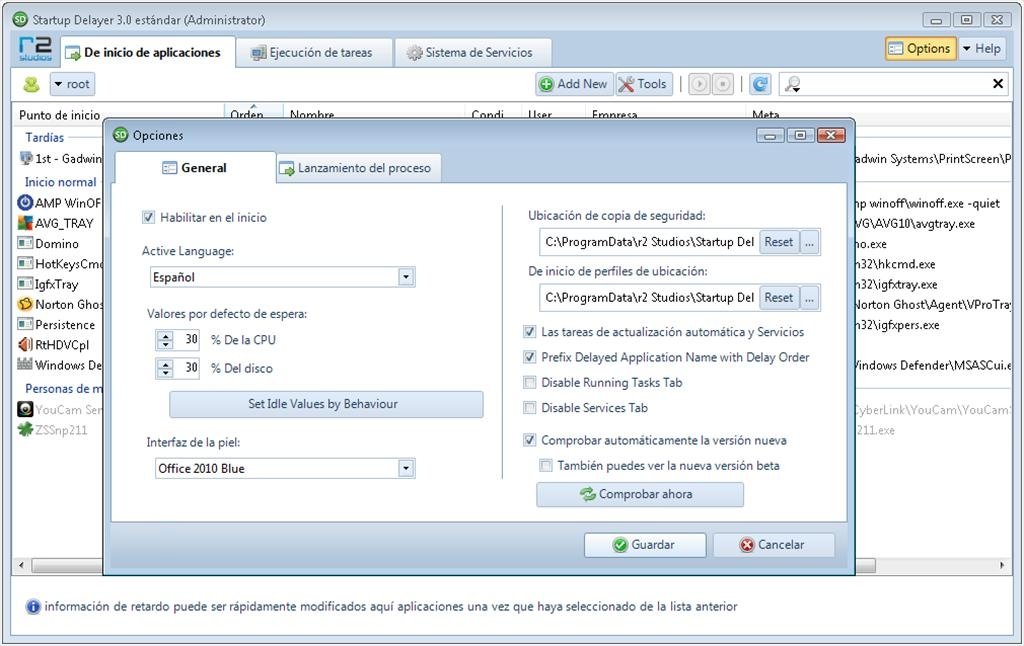
Within the option of delaying the launch of the application, Startup Delayer will allow the user to establish the percentage of the processor that has to be available before launching the application, or even to establish a specific amount of minutes or seconds before starting to launch the program.
Some of the other applications offered by Startup Delayer are the possibility to view which processes are active at a given moment and stop them, as well as the system services.
Optimize the startup of your computer thanks to Startup Delayer! You'll be able to start working much faster.
 Héctor Hernández
As a technology journalist with over 12 years of experience in the world of software and apps, I have had the opportunity to try all kinds of devices and operating systems over the years. I have done from software or mobile applications reviews...

Antony Peel